

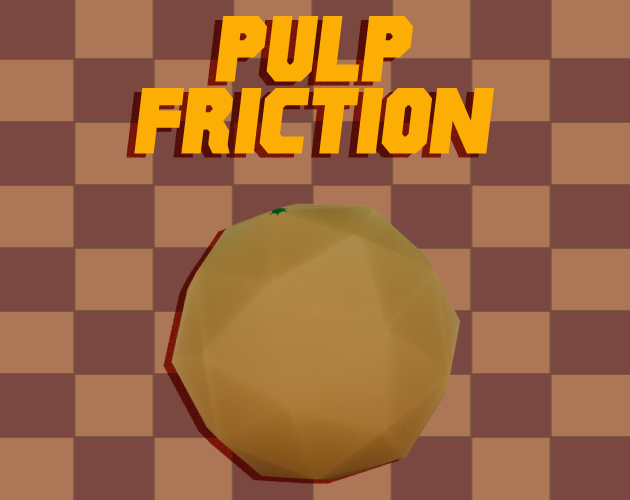
Pulp Friction
Keybinds:
Left Click or Up Arrow-- to start spinning (mash as fast as possible until the smoke disappears)
A & D or Arrow Keys -- to steer the ball
Spacebar -- to launch
Tab -- to upgrade stats
R -- RESTART RUN (recommended if you fall off the map)
P -- to hide tutorial text
How To Play:
Controls
Press the left mouse button or up arrow to begin charging the spin bash (a little on the nose with the name). While charging you must mash the charge button as fast as possible to build up more speed to launch with (THERE IS NO LIMIT TO HOW MUCH YOU CAN CHARGE). After 3 seconds the ball won't charge anymore and it's ready for you to press Spacebar to launch the ball (CHARGE DOES NOT DECREASE OVER TIME, so just launch whenever u see the smoke clear up).
Points
The distance the ball travels is converted into points to use in the shop. However, if you get hit by spikes, the run doesn't count, and gives you no points
Obstacles
Springs will bounce the ball up into the air regardless of how you approach it, and any blue pads you find laying around are used to give you a slight speed boost by touching them.
The springs in particular are very useful for helping you get further runs since the ball decelerates less in the air. So, maintaining your speed requires you to find new ways to launch yourself into the air
Download
Leave a comment
Log in with itch.io to leave a comment.